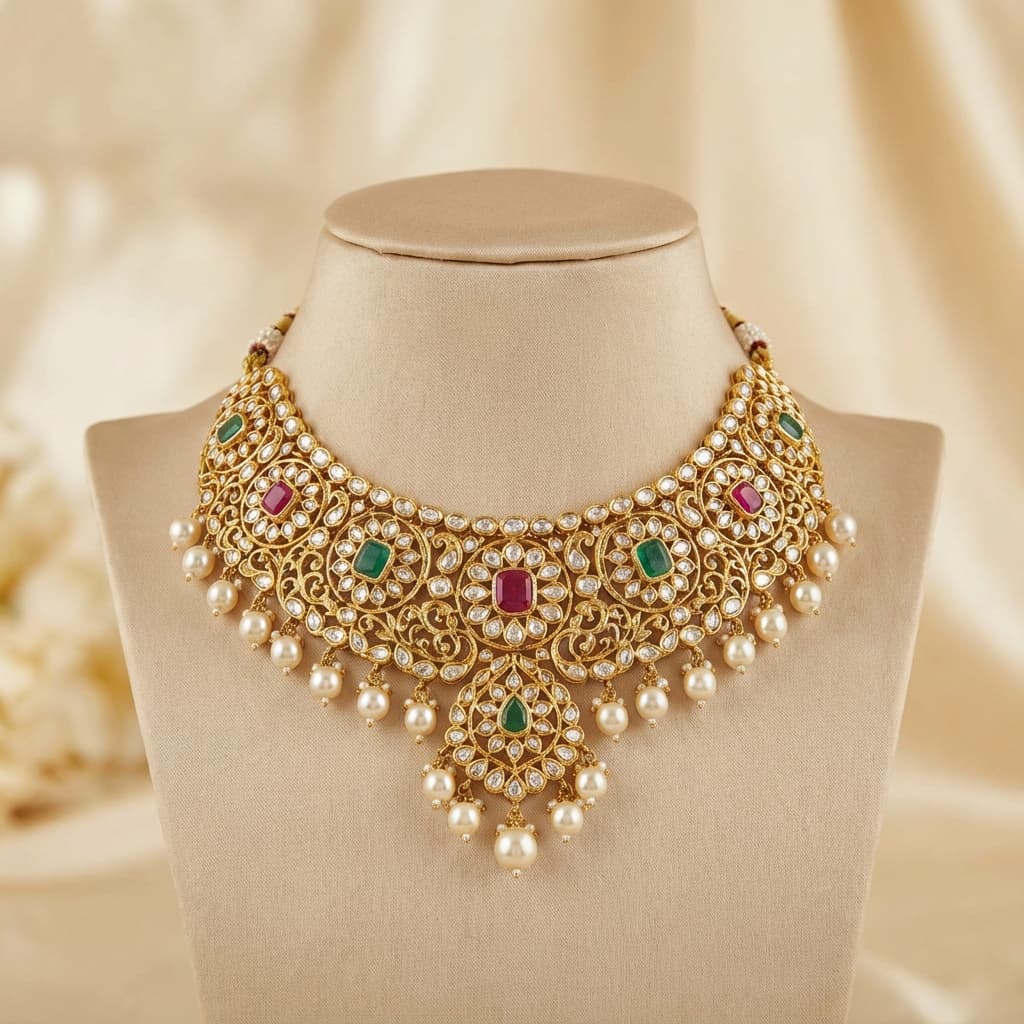
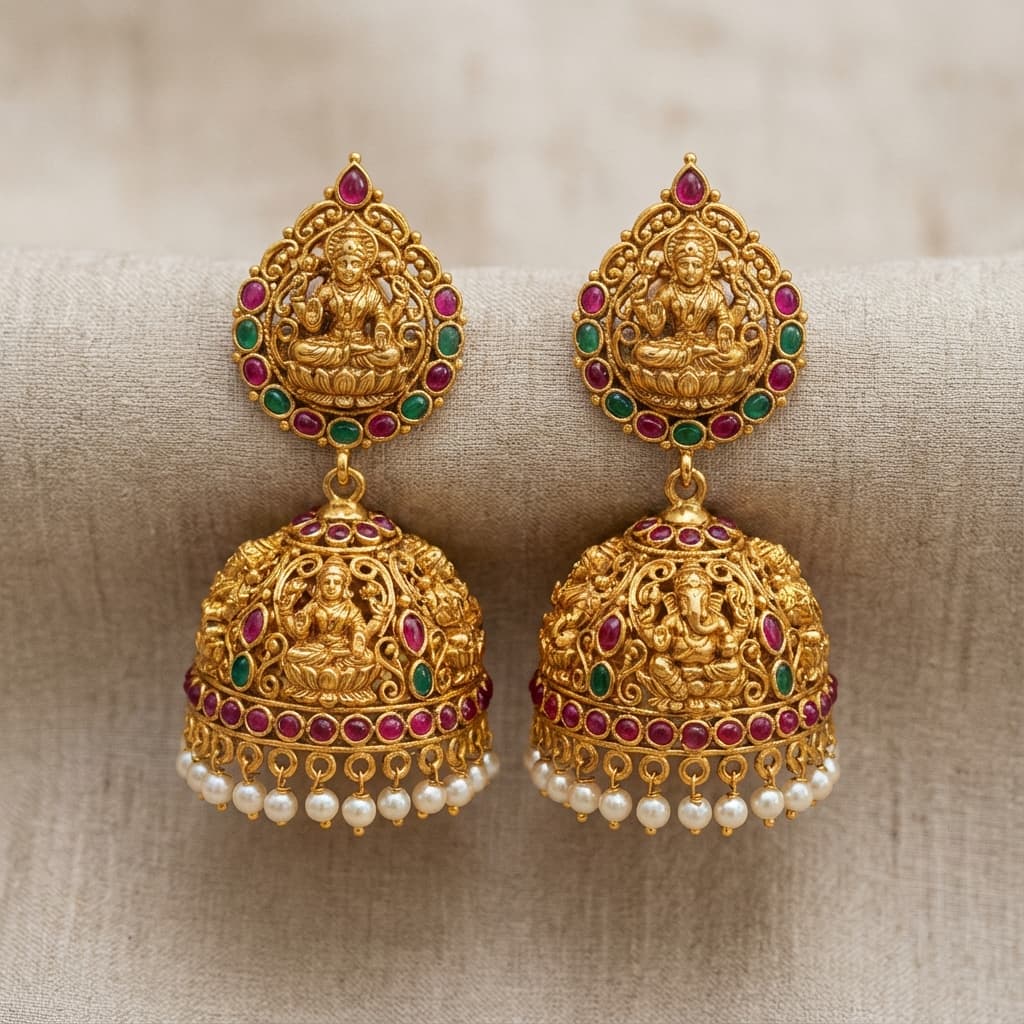
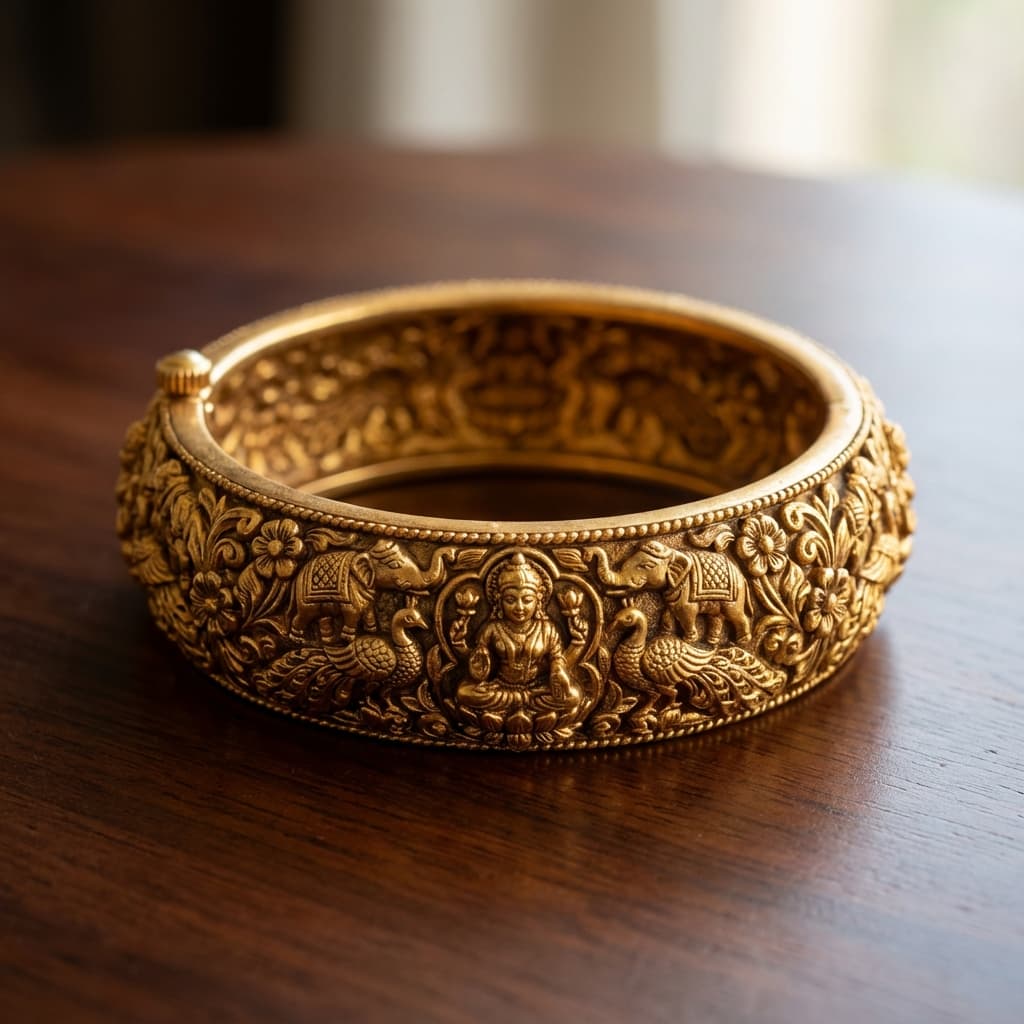
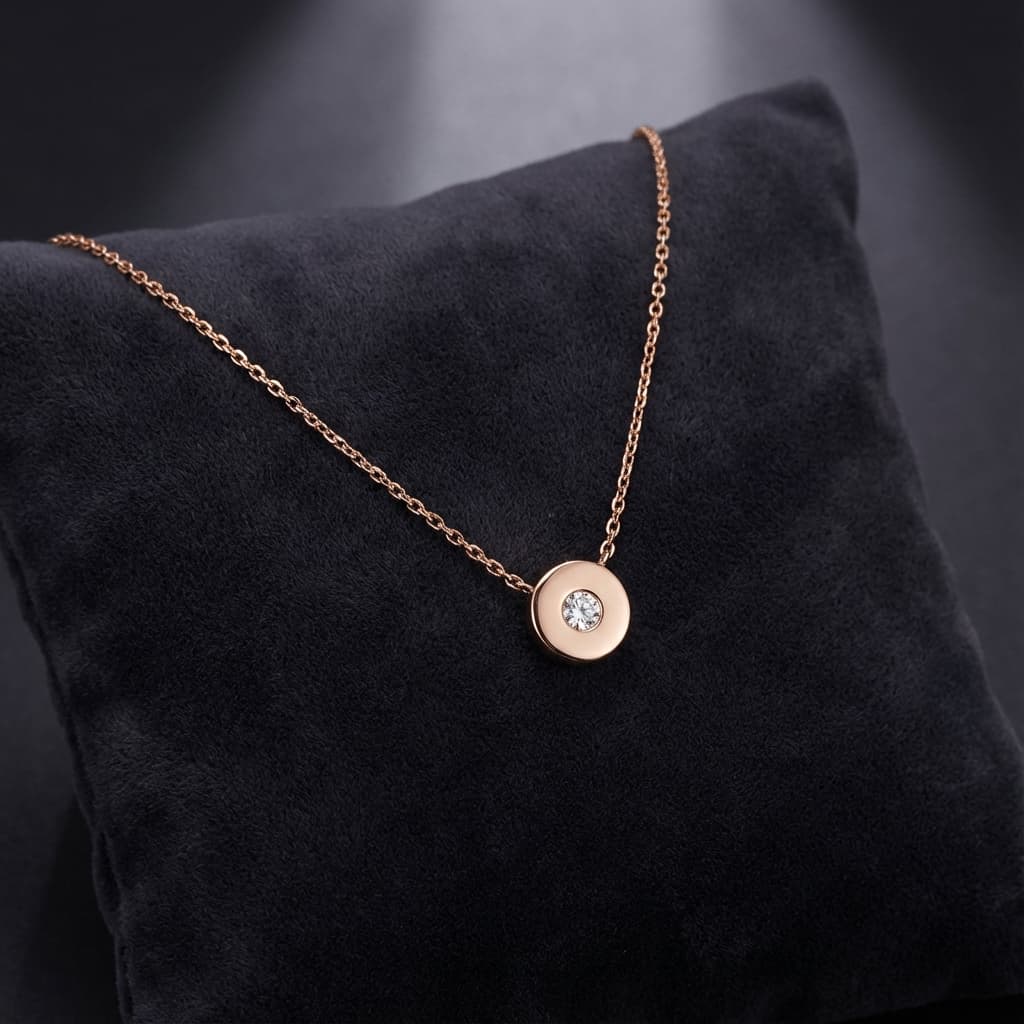
Your inventory becomes a public catalogue at swarnavyapar.in/store/your-shop. Customers browse on their phone, see real pieces with weight and metal details, and WhatsApp you to enquire — without any separate website or developer.
Inventory ek click mein public catalogue ban gayi. Customer phone pe dekhe, WhatsApp pe pooche.
Starter is free with no end date. English or Hindi. Same login as stock, schemes, khata and girvi.
swarnavyapar.in/store/shree-gold
Kundan choker
Temple jhumkas
Antique bangle
Diamond pendant
Your own store linkEnquiries on WhatsApp
WhatsApp-onlycatalogueishardtomanage
The counter today
Many jewellery shops share item photos in a WhatsApp group or Google Drive. When a customer asks 'tumhare paas koi 22K ring hai?', staff scroll through hundreds of photos. No weight, no price guidance, no way to know if the piece is still available. SwarnaVyapar's catalogue turns your tagged inventory into a searchable, always-updated public storefront — stock goes offline automatically when a piece is sold.
Built for
Jewellers who want to show their inventory to customers before they visit the shop
Shops that send design photos on WhatsApp and want a cleaner, searchable alternative
Owners who want existing customers to browse new arrivals without a physical visit
Shops that have already tagged inventory in SwarnaVyapar and want to activate the storefront
01
How the catalogue works
Enable catalogue in Settings and choose which items appear publicly. Each item shows photo, category, metal, purity, and gross weight — price display is optional. When a customer taps Enquire, they are directed to WhatsApp with a pre-filled message referencing the item. When the item is sold in billing, it disappears from the storefront automatically.
02
Custom storefront URL
Your storefront is at swarnavyapar.in/store/your-shop-slug — a shareable link you send to customers, add to your Instagram bio, or share in WhatsApp Status. The storefront is indexed by search engines.
Howitworksonthecounter.
01 / 04
swarnavyapar.in/store/shree-gold
Kundan choker
Temple jhumkas
Antique bangle
Diamond pendant
swarnavyapar.in/store/shree-gold
Kundan choker
Temple jhumkas
Antique bangle
Diamond pendant
01
Tag inventory with photos
In Inventory, add photos to each item you want to showcase. Items without photos will not appear on the public catalogue.
swarnavyapar.in/store/shree-gold
Kundan choker
Temple jhumkas
Antique bangle
Diamond pendant
02
Enable catalogue in Settings
Go to Catalogue Settings and enable the public storefront. Set your shop slug (URL). Choose which categories appear and whether prices are shown.
swarnavyapar.in/store/shree-gold
Kundan choker
Temple jhumkas
Antique bangle
Diamond pendant
03
Share your catalogue link
Share swarnavyapar.in/store/your-slug with customers via WhatsApp, Instagram bio, or Google Business.
swarnavyapar.in/store/shree-gold
Kundan choker
Temple jhumkas
Antique bangle
Diamond pendant
04
Customers enquire via WhatsApp
When a customer taps Enquire on any item, a WhatsApp message is pre-filled with the item reference. You receive the enquiry and close the sale.
Whatyouactuallyget.
01Public storefront at swarnavyapar.in/store/your-slug
02Powered by your SwarnaVyapar inventory — always current
03Items disappear when sold — no manual catalogue update
04WhatsApp enquiry button on every item
05Optional price display (show or hide)
06SEO-indexed storefront URL in sitemap
07Shareable link for Instagram, WhatsApp, Google Business